Hello World Agent - ADK
Now that you have used the low code agent builder to create your first Watsonx Orchestrate agent, it is time to learn the Agent Development Kit (ADK).
Note
I use a Macbook, so these instructions are for the Mac.
Note
This tutorial requires the use of the Agent Development Kit (ADK). Installation of the ADK is outside of the scope of these tutorials. Please see the ADK installation documentation for details.
Objective
This tutorial will guide you through importing the "Hello World" tool and agent using the ADK.
Import the tool and agent step by step
Before proceeding, please download the "Hello World" tool spec file and the "Hello World" agent spec file to your local system. For my example, I placed them in my desktop in a 'demo' folder.
-
Login to your terminal and navigate to the folder "demo" folder on your desktop.
-
From the demo folder, import the hello-world-tool.json that you downloaded previously.
-
(Optional) List the tools on your tenant.
NOTE: If you have alot of tools or you want to look at the details of the tools, try the 'verbose' mode and pipe the output to 'less'. Use your arrow keys to scroll up and down, and 'q' to quit.
-
Import the agent file that should be in your demo folder.
-
(Optional) List the agents in your tenant.
NOTE: If you have alot of agents or you want to look at the details of the agents, try the 'verbose' mode and pipe the output to 'less'. Use your arrow keys to scroll up and down, and 'q' to quit.
Chat with the Agent
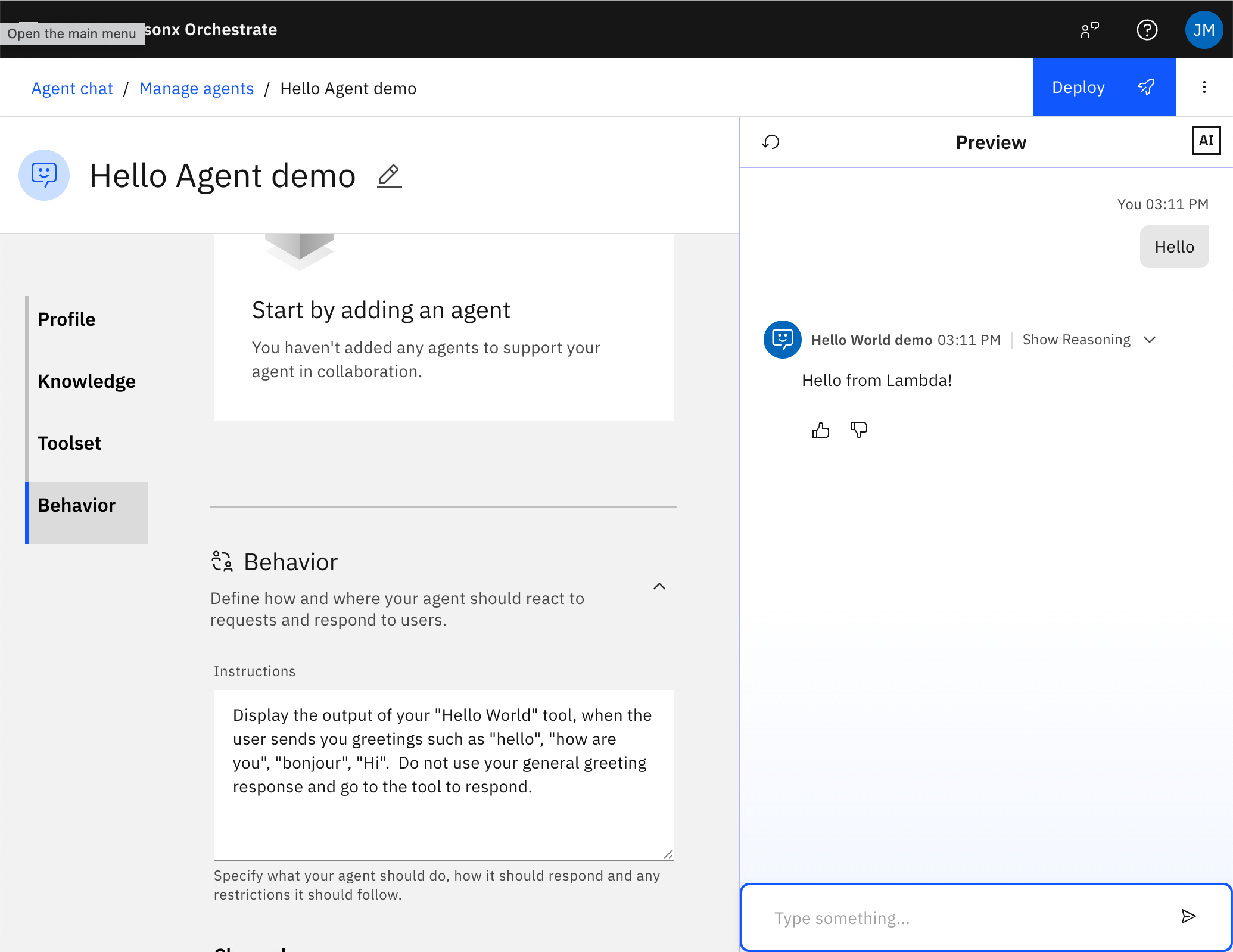
Now that you have imported the agent and tool, you can interact with it in the builder experience. Try typing "hello" and see the response.